Cards
Explore how to implement Bootstrap 5 cards as flexible content containers. Understand the structure with optional headers and footers, add images, titles, and lists, and customize card sizing using grid classes and custom CSS. This lesson enables you to build visually appealing and responsive card components for various web applications.
We'll cover the following...
A card is a Bootstrap component that serves as a versatile and adaptable information container. E-commerce, news, blogging, and social media websites all employ cards. Cards are visually appealing and help break up long lines of content on a page. Let’s take a look at an example of a course card on the Educative website.

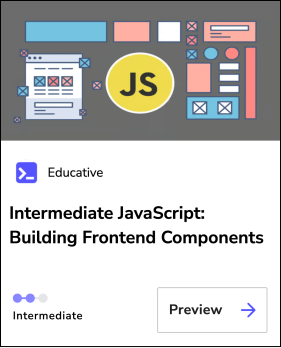
In Bootstrap, a card is primarily comprised of three components:
- Header:
.card-header - Body:
.card-body - Footer:
.card-footer
Note: The use of a header and footer in a card is optional. Therefore, they may not always exist in a Bootstrap card.
Let’s take a look at how to implement cards using ...