Designing the Archive Page
Explore how to design WordPress archive pages to group related posts by category, author, or date. Learn to use archive.php, dynamically generate archive titles and descriptions, and improve navigation highlighting for archives.
We'll cover the following...
Archive page
Archive pages bring together related content on one page. WordPress creates category, tag, author, and date based archives.
The following code from index.php displays the metadata about a blog post:
<div class="post-meta"><p>Posted by <?php the_author_posts_link();?> on <?php the_time('M j, Y'); ?> in <?php the_category(', '); ?></p></div>
The WordPress functions used above display the name and category as links. If we visit the link it opens up a page dedicated to the author or category. For instance, if we visit the blogs page of our website at /blogs, we can see that the first post has a category of Careers. If we click this category, we are taken to a page with a slug /category/careers. This page shows all posts filed under the Careers category.


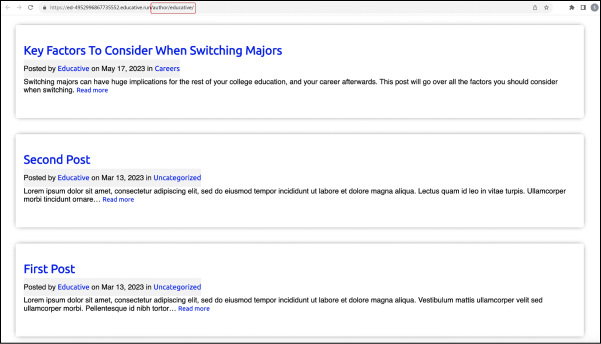
In the same way, we can click the author name and we are taken to a page with slug /author/admin that displays all posts written by Admin.

The slug of a post contains the year, month, and date of the post. We can view the date based archives by removing the post name from the slug. If the date is removed too, it becomes a month ...