Untitled Masterpiece
Explore the rendering options in Nuxt 3, including client side rendering and universal rendering. Understand their advantages and disadvantages, how Nuxt improves SEO with universal rendering, and how to use the ClientOnly component for code that runs only in the browser. This lesson guides you in configuring rendering modes effectively.
We'll cover the following...
Client side rendering
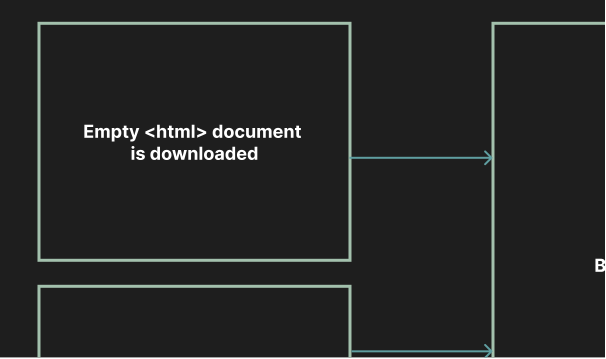
By default, with a Vue.js project, the rendering is performed client-side. This means that when we visit an app in the browser, an empty HTML document is downloaded. Additionally, a JavaScript bundle is downloaded, and the browser reads the content of this file to create our app. This also includes all of the files that the router uses to switch between pages.

Advantages
This has some advantages, including the application being fast and responsive due to all of the application’s data being ready in the browser. The application can also work offline since the code is already available after the initial download.
It can also be more cost-effective since we do ...