The Single Post Page
Explore how to build a single post page in Nuxt 3 by using dynamic routing and server API endpoints. Understand how to extract route parameters, fetch post data from the server, and display it efficiently. This lesson helps you navigate between blog lists and detailed posts using NuxtLink while managing server-side data responses.
We'll cover the following...
We'll cover the following...
With a typical blog page, such as our pages/blog/index.vue, we can usually click a post and be taken to the full-page version. This is what we will do with the pages/blog/[id].vue file:

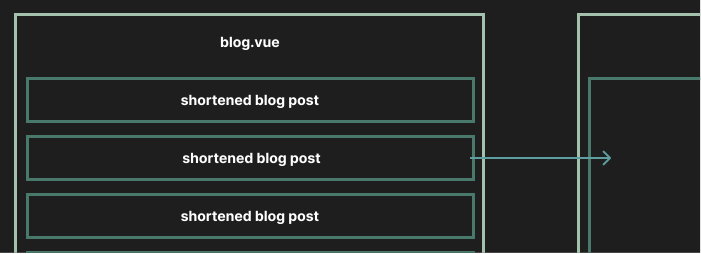
Typical blog layout
When we click any blog post, it will use the Nuxt router to navigate to a route such as /blog/2.
Line 6: The
NuxtLink...