Making a Results Component
Explore how to build a functional Wikipedia search results component using RamdaJS. Learn to transform JSON data into a formatted HTML list with clickable links and summaries, and render it dynamically in your project.
We'll cover the following...
Now that we have JSON, let’s create a component that pretties it up!
Add Results.js to your directory.
Remember our Wikipedia search JSON’s shaped like this
It’s an array. Here’s the indices
- Query (what you searched for)
- Array of result names
- Array of summaries
- Array of links to results
Our component can take an array of this shape and return a nicely formatted list.
Edit Results.js
Let’s go step by step.
-
It’s a function that takes an array of our expected elements:
query,names,summaries, andlinks. -
Using ES6 template literals, it returns an HTML string with a title and a list.
-
Inside the
<ul>we mapnamesto<li>tags, so one for each. -
Inside those are
<a>tags pointing to each result’s link. Each link opens in a new tab. -
Below the link is a paragraph summary.
Import this in index.js and use it like so
Pass the JSON straight to Results and log the result.
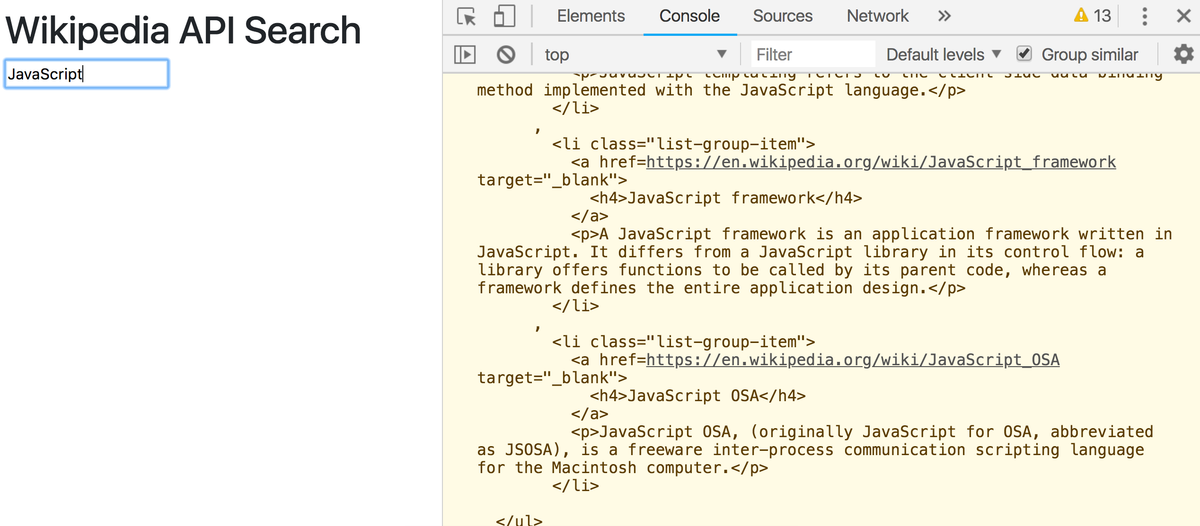
Pretty cool, we’ve got our markup! Now let’s render it. Add a render function to your index.js.
And replace console.warn with render in your fetch.
Check it out!
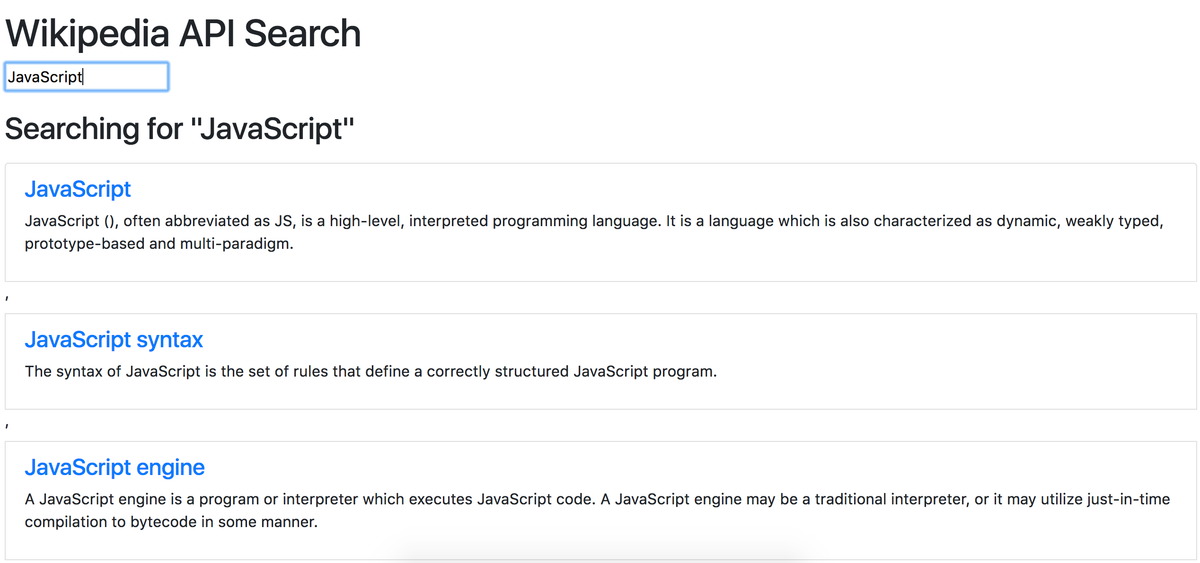
Try it out. Each link opens in a new tab.