Trim the Unused CSS
Explore how to save and edit Bootstrap 4 pricing theme CSS, then use Chrome DevTools' Coverage tool to find and trim unused CSS. Understand manual and automated methods for optimizing styles to improve your web layout's efficiency while preserving essential code.
We'll cover the following...
We'll cover the following...
Save the changes
We can save the default Bootstrap pricing theme to our local machine. First, let's have a look at Bootstrap's pricing example.

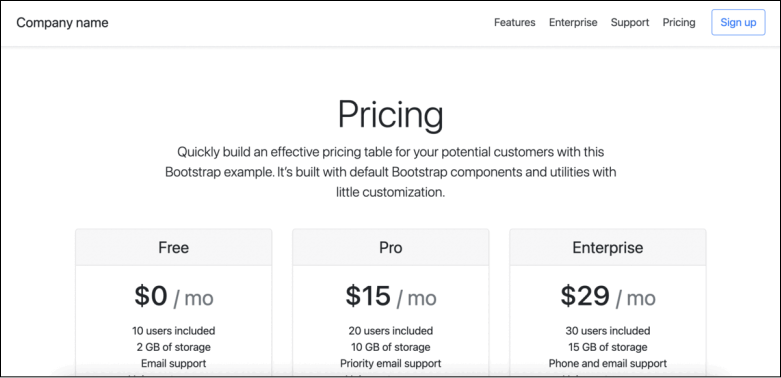
Pricing layout
Premium
The fastest way to save our theme is to open the theme from the official Bootstrap page and follow these steps:
Right-click anywhere in the layout, and click the "Save As" command.
This will open a dialog box, so we can save it to an appropriate location. It’s best to save it to a new folder. Let's call it ...