Test the New Service
Understand how to test a new Firebase-based service by setting up a DEV API key, configuring environment variables, and running local emulators safely. Learn to verify integration without impacting production and explore error handling strategies to maintain app stability.
We'll cover the following...
We'll cover the following...
Create a new DEV API key
To create a new DEV API key, follow these steps:
- Visit https://dev.to/settings/account.
- In the DEV API Keys section, provide a description for the key and click Generate API Key.
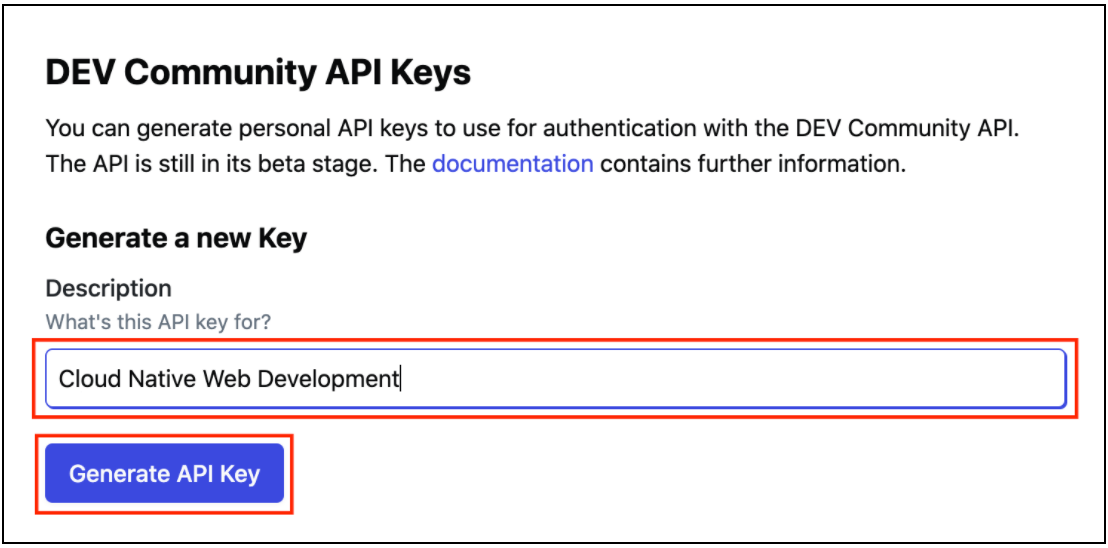
- Once the page reloads, your new key is available below, and you can click its description to see the key.
Important! ...