Part 1: Create Your First AR App
Explore how to develop your first augmented reality app using Unity and AR Foundation. Learn to import essential AR packages, set up an AR scene with key components like AR Camera and Session, and implement placement indicators that enhance user experience by guiding object placement. This lesson prepares you to bring interactive AR content into real-world environments effectively.
We'll cover the following...
In this lesson, we'll develop our AR application using AR Foundation within the Unity environment. The lessons in this section are designed to guide us in crafting an immersive and interactive AR experience.
We'll commence by outlining the critical process of importing AR-related packages via Unity’s Package Manager. These essential packages encompass AR Foundation along with platform-specific AR plugins, furnishing us with a robust suite of tools and functionalities indispensable for AR application development. Subsequently, we will navigate the scene setup, explaining how to configure the AR Camera and AR Session components effectively. This pivotal step lays the groundwork for our AR experience, ensuring a seamless integration of digital and physical realms.

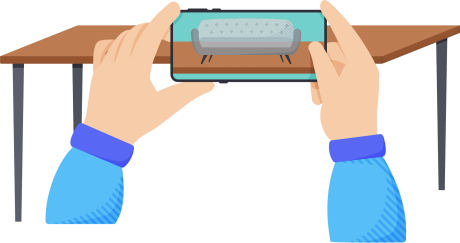
Moreover, this lesson will introduce the concept of placement indicators, a key ...