- API Gateway
Explore how to deploy machine learning models using AWS API Gateway by configuring triggers on Lambda functions and testing function calls. Understand how to expose models via REST APIs and handle remote POST requests, ensuring scalable and interactive serverless model hosting.
We'll cover the following...
We'll cover the following...
API gateway
So far, we’ve invoked the function only using the built-in test functionality of Lambda.
In order to host the function so that other services can interact with the function, we’ll need to define an API Gateway in the Lambda console.
- Under the “Function Overview” tab, click “Add Trigger”.
- Select “API Gateway”.
- Select “Create a new API”. Use the “REST API”.
- Choose “Open” as the security setting.
After setting up ...
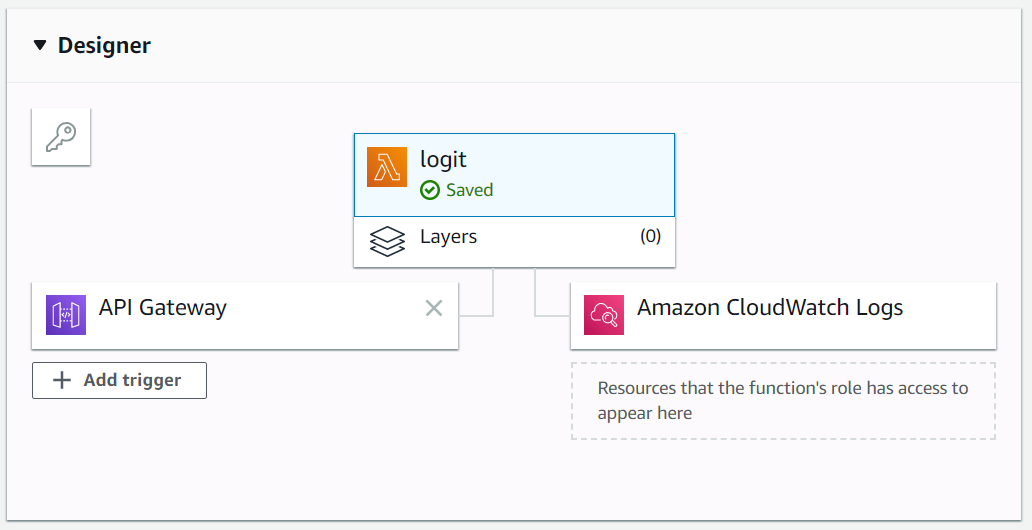
Setting up an API Gateway for the function.
...
...