Listing Posts on the Home Page
Explore how to create and integrate a Post component to display social media posts on the home page using React and SWR. Learn to implement features like liking, commenting, and conditional post deletion by the author. Understand how to refresh post data dynamically and leverage react-bootstrap for UI components.
We'll cover the following...
Now that users can create posts, we need to list the posts on the home page but also allow the user to access them. This will require the creation of a component to display information about a post. As shown in the figure below, under the "Write a post" input, we have a list of posts. The home page structure is already added, so we need to add a component that will handle the logic behind showing information about a post.

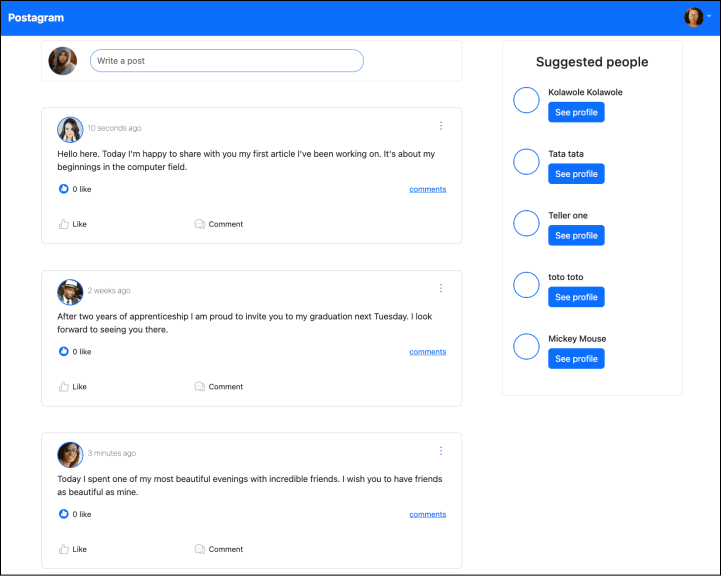
Here’s the flow to list the posts on the home page:
We use the
swrlibrary to fetch a list of posts.We loop through the list of posts and then pass a post as props to a component called
Post, which will show data about a post.
Before starting to fetch data, let’s create the Post component.
Writing the Post component
To create a Post component, we follow the steps below.