Browsers
Explore how to install and configure major web browsers including Chrome, Firefox, Internet Explorer, and Edge for automated testing using Selenium WebDriver in Node.js. Understand required drivers and setup steps to prepare your testing environment effectively.
We'll cover the following...
Installing browsers
The biggest advantage of Selenium over other web test frameworks is that it supports all major web browsers: Firefox, Chrome, and Internet Explorer/Edge, etc. We will see how to install these browsers in the upcoming section in this lesson.
Chrome
To run Selenium tests in Google Chrome, we need ChromeDriver to be installed in our working directory.
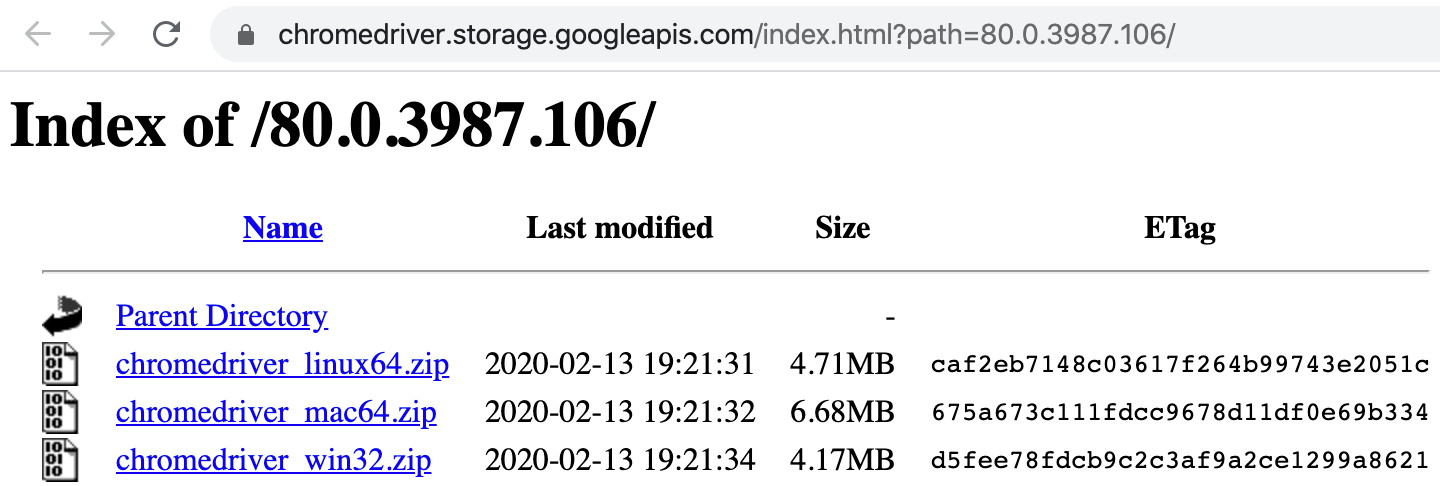
Installing ChromeDriver is easy. Just go to the website, and download the one for your target platform, unzip it, and put chrome driver executable in your PATH.
To verify the installation, open a command window (terminal for Unix/Mac), and execute the command chrome driver ...