Build a Multi-Agent Application Using LangGraph

Build a Multi-Agent Application Using LangGraph

CLOUD LABS


Build a Multi-Agent Application Using LangGraph

In this Cloud Lab, you’ll build a multi-agent support workflow using Amazon Bedrock, Comprehend, SageMaker A2I, and LangGraph for knowledge retrieval, sentiment analysis, and human escalation.

10 Tasks

intermediate

2hr

Certificate of Completion

Desktop OnlyDevice is not compatible.
No Setup Required
Amazon Web Services

Learning Objectives

An understanding of multi-agent AI workflows for customer support automation
Hands-on experience creating a knowledge base using Amazon S3 Vector bucket and Amazon S3
Working knowledge of Amazon Bedrock with LangGraph for retrieval and orchestration
The ability to escalate low-confidence AI responses with SageMaker A2I human review to implement human-in-the-loop workflow
Practical knowledge of integrating multiple AWS services into a production-grade AI pipeline

Technologies
Bedrock
LangGraph
S3 logoS3
Cloud Lab Overview

Customer support automation is a common and high-ROI use case for generative AI. Combine retrieval-augmented generation (RAG), sentiment detection for routing, and human-in-the-loop review to improve response speed while keeping answers accurate and policy-compliant. On AWS, you can use Amazon Bedrock for generation and knowledge bases, Amazon Comprehend for sentiment signals, and SageMaker Augmented AI (A2I) to route uncertain responses to human review. In this Cloud Lab, you’ll create an S3 vector bucket, two standard S3 buckets, and a Bedrock Knowledge Base seeded with FAQ data.

You’ll then configure a supervisor agent using LangGraph to orchestrate the workflow. The supervisor first receives the user question and routes it to the appropriate specialized agents: a retrieval agent that fetches answers from the knowledge base, a sentiment analysis agent powered by Amazon Comprehend, or, if needed, a human reviewer via SageMaker A2I. Finally, the supervisor collects the results and generates a polished response using Bedrock LLMs, ensuring either an automated answer or a seamless human escalation.

By the end of this Cloud Lab, you’ll know how to design and deploy a multi-agent customer support workflow that balances AI-driven automation with human judgment. You will gain hands-on experience integrating multiple AWS services into a single, graph-driven pipeline, a skill set highly relevant for building real-world AI-powered applications in customer service and beyond.

The following is the high-level architecture diagram of the infrastructure you will create in this Cloud Lab:
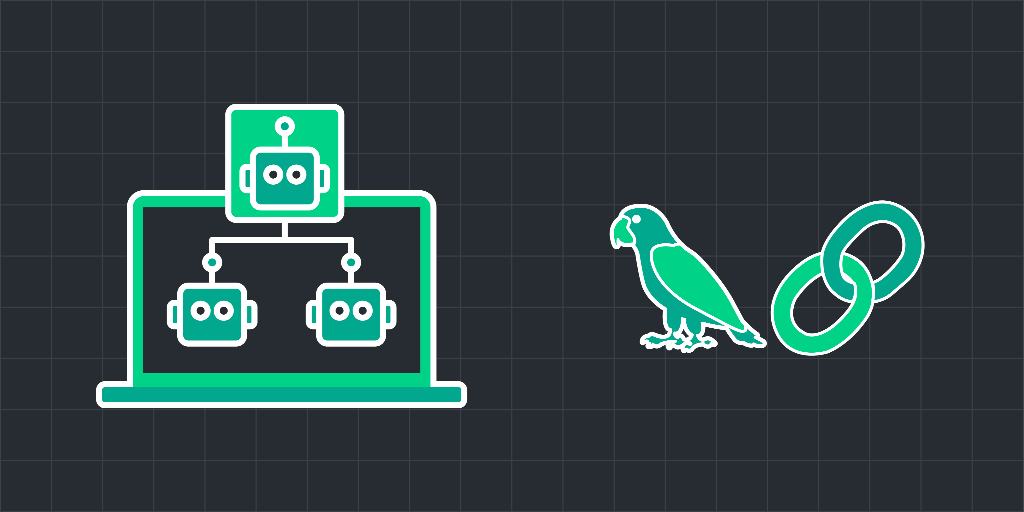
RAG and human escalation using LangGraph

Cloud Lab Tasks
1.Introduction
Getting Started
2.Create a Knowledge Base
Create S3 Buckets
Create S3 Vector Bucket
Create a Knowledge Base
3.Human Review Workflow
Create a Worker Task Template and Private Team
Create the Human Review Workflow
4.LangGraph Agents
Understanding the Multi-Agent Workflow
Implement the RAG and Human-in-the-Loop Workflow
5.Conclusion
Clean Up
Wrap Up
Labs Rules Apply
Stay within resource usage requirements.
Do not engage in cryptocurrency mining.
Do not engage in or encourage activity that is illegal.

Before you start...

Try these optional labs before starting this lab.

Relevant Courses

Use the following content to review prerequisites or explore specific concepts in detail.

Hear what others have to say
Join 1.4 million developers working at companies like