CLOUD LABS
Building ETL Pipelines on AWS
In this Cloud Lab, you’ll learn how to create an ETL data pipeline with AWS Glue.
intermediate
Certificate of Completion
Learning Objectives
AWS Glue is a serverless data integration service that makes it easier to discover, prepare, move, and integrate data from multiple sources. It provides ETL (extract, transform, load) service, which is a process used in data engineering to extract data from various sources, transform it into a desired format, and load it into a target data store for analysis, reporting, and business intelligence. AWS Glue simplifies the ETL process, making it easier for businesses to prepare and transform their data for analytics.
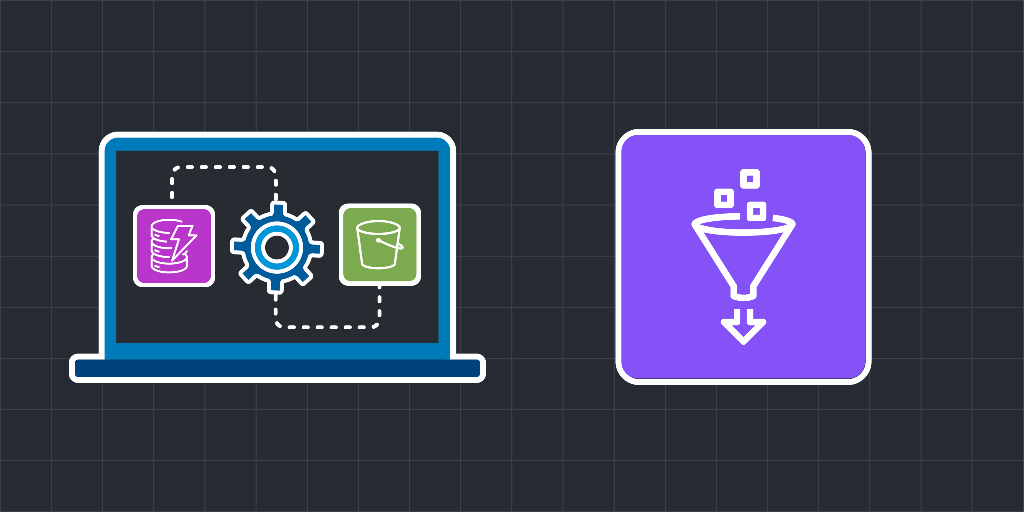
In this Cloud Lab, you’ll create a DynamoDB table as source data. You’ll set up a database in AWS Glue with the DynamoDB table as its source. After that, you’ll use the AWS Glue crawler to fetch metadata from the DynamoDB table and into Data Catalog tables in the Glue database. You’ll then set up an ETL pipeline in AWS Glue and extract data from the Glue database, perform transformations on the data, and load the resulting data in the S3 bucket.
After the completion of this Cloud Lab, the provisioned infrastructure will be similar to the one given below:


What is ETL, and why does it matter?
ETL stands for Extract, Transform, Load. It’s the process of moving data from source systems into a format and destination that supports analytics, reporting, and machine learning. ETL pipelines are the foundation of most data platforms because they turn raw, messy inputs into trustworthy datasets.
Teams invest in ETL because it enables:
Centralized analytics and dashboards
Reliable reporting and governance
Data-driven product features
Machine learning pipelines that depend on clean training data
The core stages of an ETL pipeline
Most ETL pipelines, regardless of tooling, follow the same life cycle:
Extract: Pull data from sources like application databases, logs, SaaS tools, APIs, or file drops.
Transform: Clean, normalize, enrich, and validate data. This can include schema mapping, deduplication, joins, and business-rule logic.
Load: Write transformed data to a destination like a data warehouse, data lake, or operational store where it can be queried or used downstream.
How ETL fits into modern “data lake” patterns
In practice, many teams blend ETL with ELT:
ETL transforms data before loading it into the target.
ELT loads raw data first, then transforms within the warehouse/lakehouse.
Both approaches can be valid. The right choice depends on data size, transformation complexity, governance needs, and where you want compute to run.
What makes ETL pipelines reliable in production
A pipeline that “works once” isn’t the goal. Reliable ETL systems need:
Orchestration: Scheduling, dependency management, and retries
Idempotency: Re-running a job shouldn’t corrupt data
Monitoring: Visibility into failures, latency, and data freshness
Data quality checks: Schema validation and anomaly detection
Cost control: Efficient processing and storage choices
These operational concerns usually matter more than the transformation code itself.
Why AWS is commonly used for ETL
AWS offers flexible building blocks for ETL: storage, compute, orchestration, and managed data services. That flexibility lets you assemble pipelines in different ways, from fully managed ETL services to custom pipelines built on serverless or container platforms.
The key learning is architecture: how to design a pipeline that’s scalable, observable, and easy to evolve as requirements change.
Before you start...
Try these optional labs before starting this lab.

Relevant Course
Use the following content to review prerequisites or explore specific concepts in detail.
Felipe Matheus
Software Engineer
Adina Ong
Senior Engineering Manager
Clifford Fajardo
Senior Software Engineer
Thomas Chang
Software Engineer
