Allowing Users to Add Dynamic Components to the App
Explore how to empower users to dynamically add components to a Dash app by leveraging advanced callback functions. Understand using the children property as both Input and Output and generating charts with dynamic titles based on button clicks.
We'll cover the following...
We'll cover the following...
Let’s take things to an even more abstract and powerful level. Let’s now allow users to add full components by clicking a button.
Not only will users be able to add components to the app’s layout, but the components’ contents will also be dynamically generated. ...

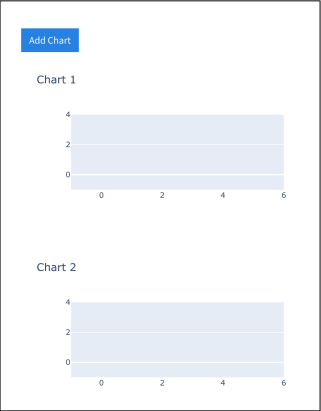
An app that allows users to add components to the app's layout
Although extremely simple, ...