Rendering Text: Code Along Exercises
Explore how to use semantic HTML tags to add meaningful context to your text, including definitions, abbreviations, and emphasis. Understand how to style text separately from semantics using CSS, and learn to display technical source code properly. Discover the use of insertion and deletion tags with additional metadata for tracking content changes.
Code Along Exercise: Add semantics
<!DOCTYPE html>
<html>
<head>
  <title>Common text markups</title>
</head>
<body>
  <strong>HTML5</strong>
  is a <dfn>markup language</dfn>
  for structuring and presenting content for the
  World Wide Web (<abbr>WWW</abbr>)
  and a core technology of the <em>Internet</em>.
</body>
</html>
The image below displays the expected output of the above code. We use four different options to play with our text namely:
- Line 7
<strong>tag - Line 8
<dfn>tag - Line 10
<abbr>tag - Line 11
<em>tag
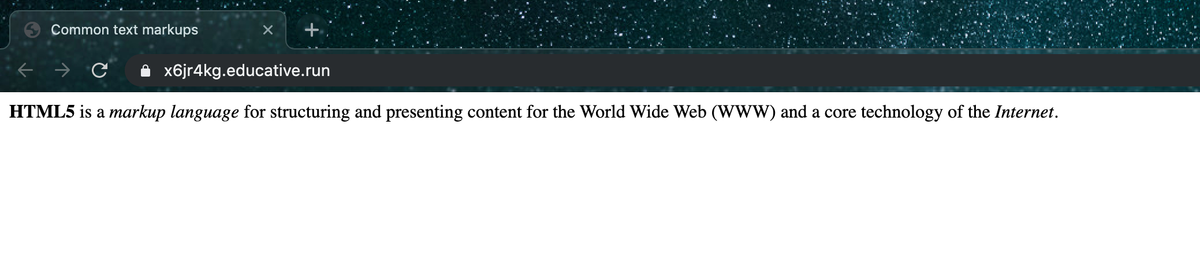
Common Text Markups
When you create text with markup, take care that you use the appropriate markup to tell the browser about the semantics of the highlighted text. According to Exercise 02-04, the “markup language” ...