Implementing CD
Explore how to implement a continuous deployment process using Azure DevOps. Learn to configure release pipelines that deploy your app to staging, run automated Cypress tests, and promote deployments to production, enhancing application reliability and deployment automation.
We'll cover the following...
In this section, we are going to implement a release pipeline in Azure DevOps by implementing a CD process for our app. This process will consist of deploying to the staging environment, followed by the Cypress end-to-end tests being executed before the deployment is promoted to production.
Deploying to staging
Carry out the following steps in the Azure DevOps portal to deploy a build to the staging environment:
In the “Pipelines” section in the left-hand bar, select “Releases,” as illustrated in the following screenshot:

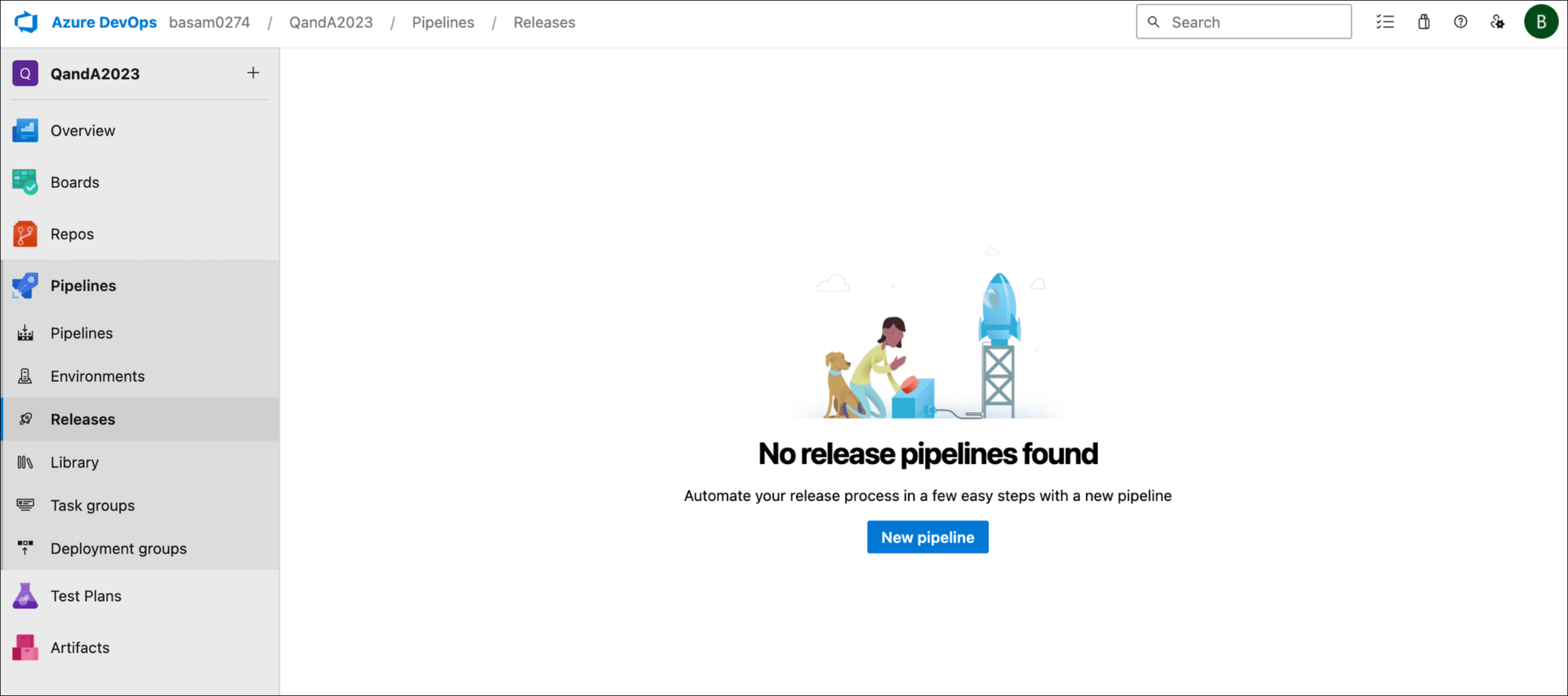
Click the “New pipeline” button.
We will be prompted to select a template for the release pipeline. Let’s choose the “Azure App Service deployment” template and click “Apply”, as illustrated in the following screenshot:


A nice visual representation of the release pipeline will appear, along with a panel to the right, where we can set some properties ...