Examining the Actions in the Application
Explore how Redux actions are dispatched to update application state in React environments. Understand the use of action types, dispatching mechanics, and how actions correspond to user interactions, preparing you for more advanced Redux patterns.
We'll cover the following...
As earlier explained, whenever there’s an intent to update the application state, an action must be dispatched.
Whether that intent is initiated by a user click, or a timeout event or even an Ajax request, the rule remains the same. You have to dispatch an action.
The same goes for this application.
Since we intend to update the state of the application, whenever any of the buttons is clicked, we must dispatch an action.
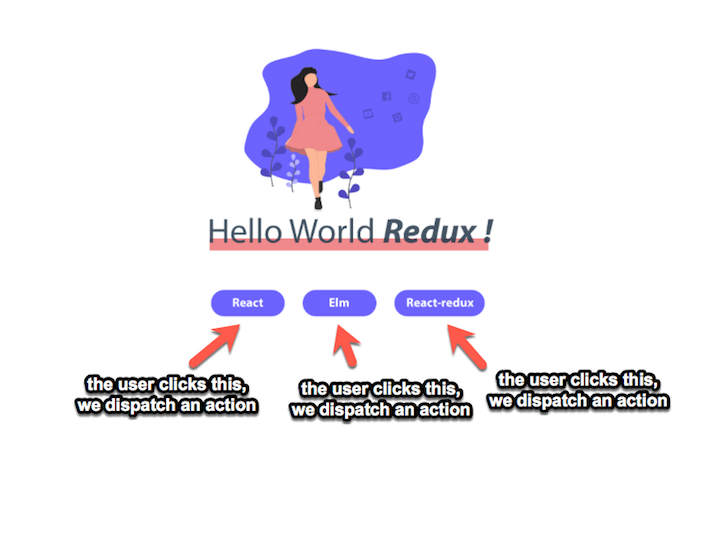
Firstly, let’s describe the actions.
For the React button:
React-Redux will look like:
Try to write the code for the “Elm” button yourself:
Easy, right?
Note that the three actions have the same type field. This is because the the three buttons all do the same thing. If they were customers in a bank, then they’d all be depositing money, but different amounts of money. The type of action will then be DEPOSIT_MONEY but with different amount field.
Also, you’ll notice that the action type is all written in capital letters. That was intentional.
It’s not compulsory, but it’s a pretty popular style in the Redux community.
Hopefully, you now understand how I came up with the actions.
What if I had a single function to create these three buttons? Maybe we can figure that out in the next lesson.