The Chats Component
Explore how to build the Chats component by connecting conversation data from Redux state, creating reducers with default parameters, and combining them to manage messages for each user contact effectively.
We'll cover the following...
Let’s move on to building the <Chats /> component.
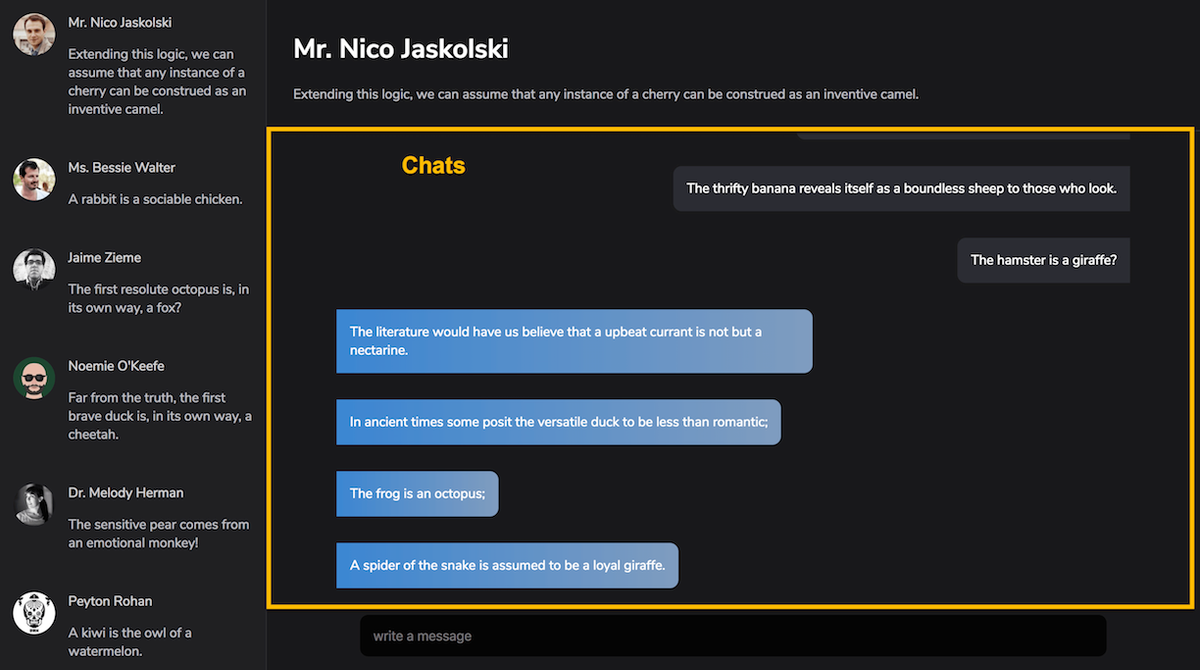
The
So, where do we get these conversations from?
Yeah, from the state of the application.
Like I explained earlier, a real world app will fetch the user conversations from a server. However, my approach to learning Redux is that you eliminate as many complexities as possible when learning the fundamentals.
To that effect, there’ll be no server fetching resource here. We’ll hook up the data using some helper functions I have created for random user data generation.
Let’s start by hooking up the needed data to the state of the application. The process is the same as we’ve done multiple times already.
- Create a Reducer
- Using ES6, add a default parameter value to the reducer
- Include the reducer in the combineReducers function call.
Will you try that out before moving on to my solution?
Here comes my solution, anyway.
Create a new file, messages.js in the reducers directory. This will be the messages reducer.
Here is the content of the messages reducer.
reducers/messages.js:
To generate random messages, I have imported the getMessages function from static-data.
This function takes an amount, represented by a number. The getMessages function will then generate that amount of messages for each user contact.
For example, getMessages(10) will generate 10 messages per user contact.
Now, include the reducer in the combineReducers function call in reducers/index.js
reducers/index.js:
Doing this will include a messages field in the state object.
Here’s a look at the logs. You’ll now find messages as seen below:

With that in place, we can safely resume building the Chats component.