Rendering the Active User
Explore how to manage and render the active user in a Redux-powered chat application. Learn to create action type constants, action creators, and dispatch actions on user interactions, ensuring robust state management and minimizing errors in your Redux workflow.
We'll cover the following...
Below is the layout for our complete chat window:
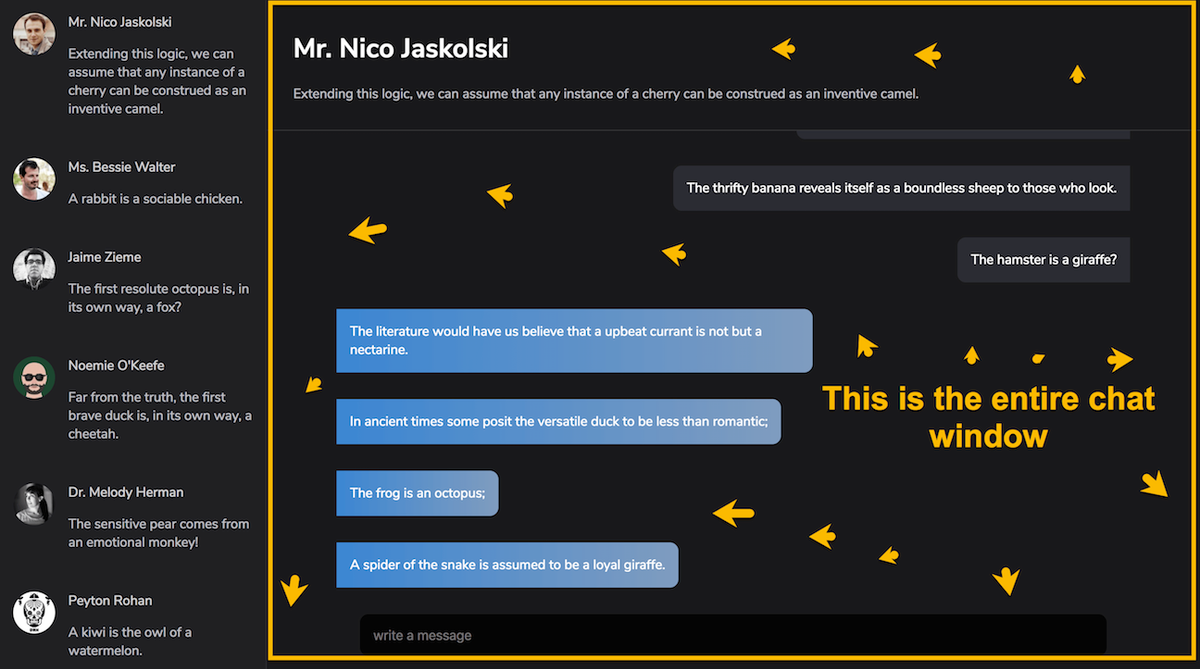
Have a look at the logic within the <Main /> component. <ChatWindow /> will only be displayed when activeUserId is present.
Right now, activeUserId is set to null.
We need to make sure that the activeUserId is set whenever a contact is clicked.
What do you think?
We need to dispatch an action, right?
Yeah!
Let’s define the shape of the action.
Remember that an action is just an object with a type field and a payload.
The type field is compulsory, while you can call the payload anything you like. Payload is a good name though. Very common too.
Thus, here’s a representation of the action: ...