Understanding essential technologies in a modern React project
React is just the UI layer—building real applications requires understanding how state, routing, data fetching, and tooling work together.

You’ve learned React and you understand components, props, and state. You’ve built small projects—maybe a to-do app or a simple dashboard—and everything makes sense. But then you try to start a real project, and suddenly things feel much more complicated.
You’re asked to set up routing, manage global state, fetch data from APIs, and configure build tools. You search online and find countless suggestions—different libraries, frameworks, and approaches. Instead of clarity, you’re left wondering how all these pieces fit together.
This is where the real question emerges: Which technologies are essential for a React project? The answer isn’t about picking the “right” tools from a list. It’s about understanding how React fits into a larger system and how different technologies work together to build complete applications.

The primary goal of this course is to give you an excellent introduction to React and its ecosystem, tackle advanced features, and teach you as many best practices as possible. Furthermore, this course digs deeper into the most popular, latest, and straight forward ways to use React.
Why React alone is not enough#
React is a powerful library, but it has a very specific focus: rendering user interfaces. It helps you build reusable components and manage UI updates efficiently. However, it does not solve many of the problems you encounter when building full applications.
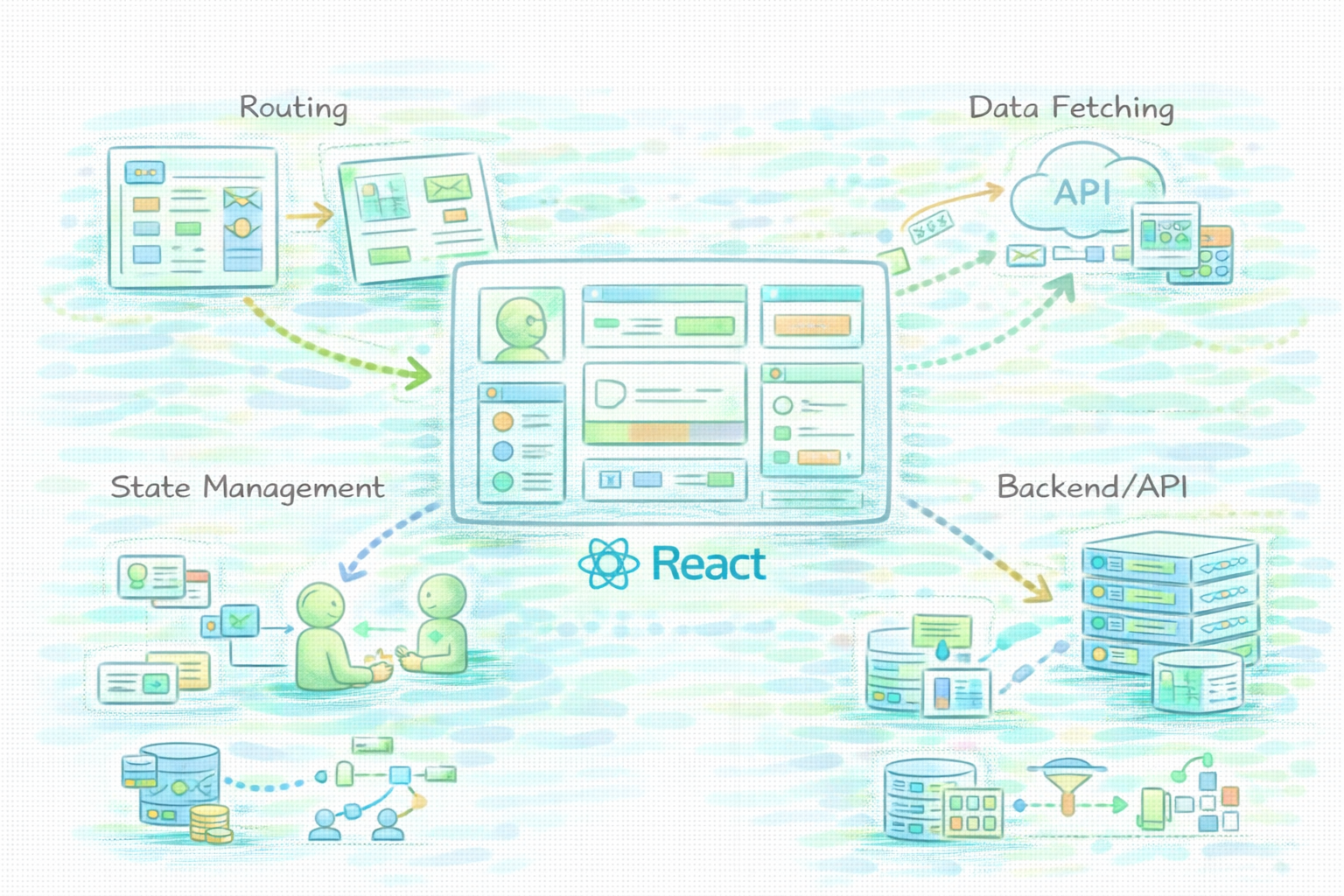
For example, React does not include built-in routing. If your application has multiple pages or views, you need an additional solution to handle navigation. Similarly, React does not provide a complete strategy for managing complex application state or fetching data from external APIs.
Imagine building a basic application that displays user data. You can create components to render the UI, but you still need a way to fetch that data, manage loading states, and navigate between views. This is where additional technologies come into play. React is just the starting point—it provides the UI layer, but the rest of the application requires additional structure.
Understanding the layers of a React application#
A modern React application is best understood as a system of layers, each responsible for a specific aspect of the application. Instead of thinking about tools individually, it’s more useful to think about how these layers interact.
At the core is the UI layer, where React components define how the application looks and behaves. On top of that, you have state management, which controls how data flows through the application. Routing determines how users navigate between different views, while data handling manages communication with external services.
Finally, there is the tooling layer, which ensures that your code is bundled, optimized, and ready for production. Each of these layers introduces its own set of responsibilities, and understanding them is key to building scalable applications. Instead of asking which tools to use, you begin to ask what each layer needs to accomplish.
Which technologies are essential for a React project?#
When you ask Which technologies are essential for a React project?, the answer depends on what your application needs to do. A simple project may only require basic state management and minimal tooling, while a larger application may need more sophisticated solutions.
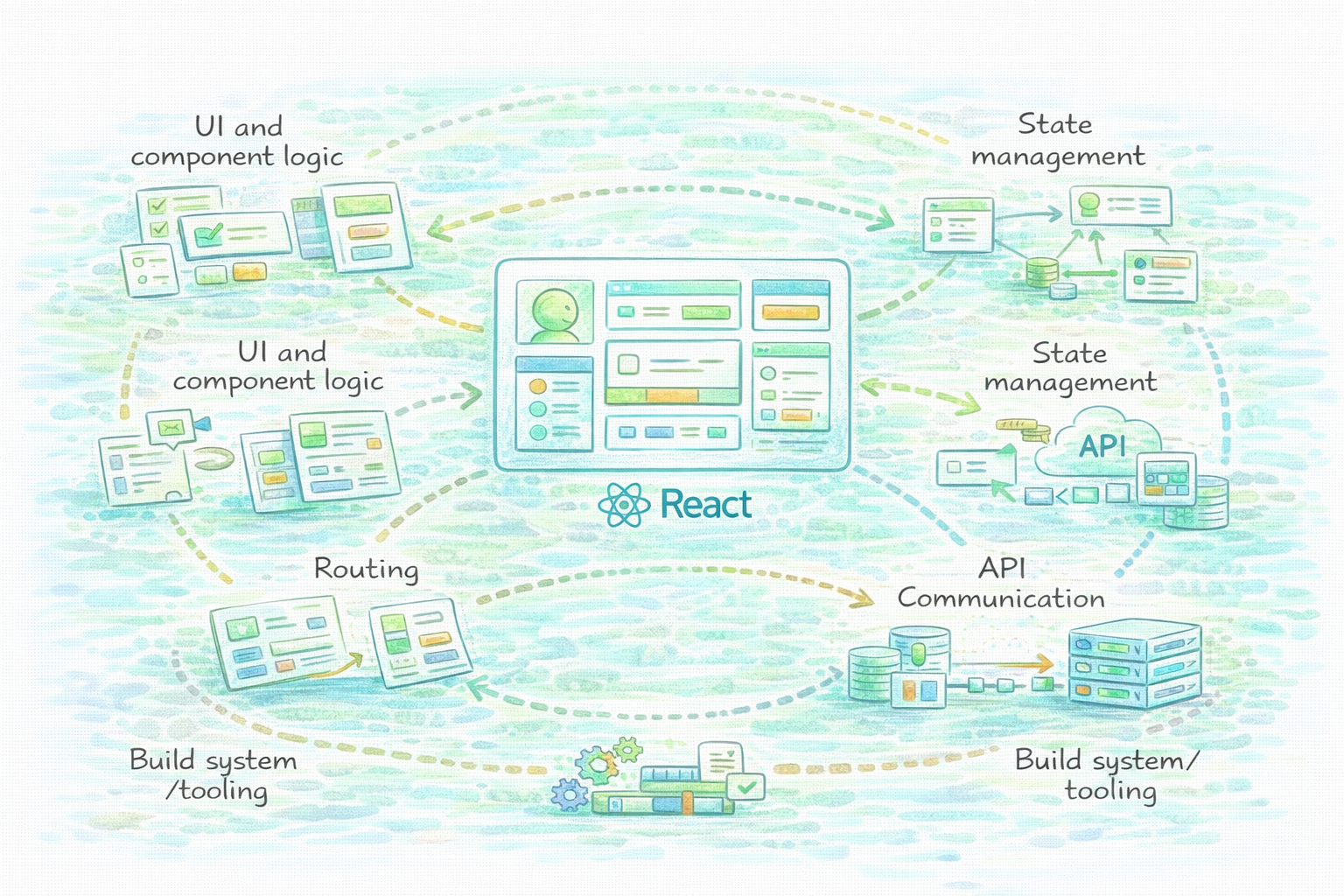
The key is to think in terms of categories rather than specific tools. You need solutions for UI and component logic, state management, routing, API communication, and build systems. Each category addresses a different part of the application architecture.
These categories are not isolated—they work together. State influences how your UI updates, routing determines which components are displayed, and data fetching provides the information your components need. Understanding these interactions is more important than memorizing specific technologies.
Managing state in modern React applications#
State management becomes increasingly important as your application grows. In small projects, you can often manage state within individual components. But as your application becomes more complex, you need a way to share state across different parts of the system.
This is where the distinction between local and global state becomes important. Local state is tied to individual components, while global state is shared across the application. Managing this effectively requires careful design, especially when multiple components depend on the same data.
For example, consider an application that tracks user authentication. Multiple components need access to the user’s state, and changes to that state must be reflected across the entire application. This introduces challenges that go beyond basic React concepts, requiring a more structured approach to state management.
Handling navigation and routing#
Navigation is another critical aspect of modern applications. Users expect to move between different views seamlessly, without full page reloads. In React applications, this is handled through client-side routing.
Routing allows you to map URLs to components, creating the illusion of multiple pages within a single application. This enhances performance and provides a smoother user experience. However, it also introduces complexity, especially when dealing with nested routes or dynamic parameters.
Routing does not exist in isolation. It interacts with both UI and state. For example, navigating to a specific page may require fetching data or updating state. Understanding these interactions is essential for building cohesive applications.
Working with APIs and data fetching#
Most modern applications rely on external data. This means your React application must communicate with backend services, retrieve data, and display it to users. This process involves handling asynchronous operations, managing loading states, and dealing with errors.
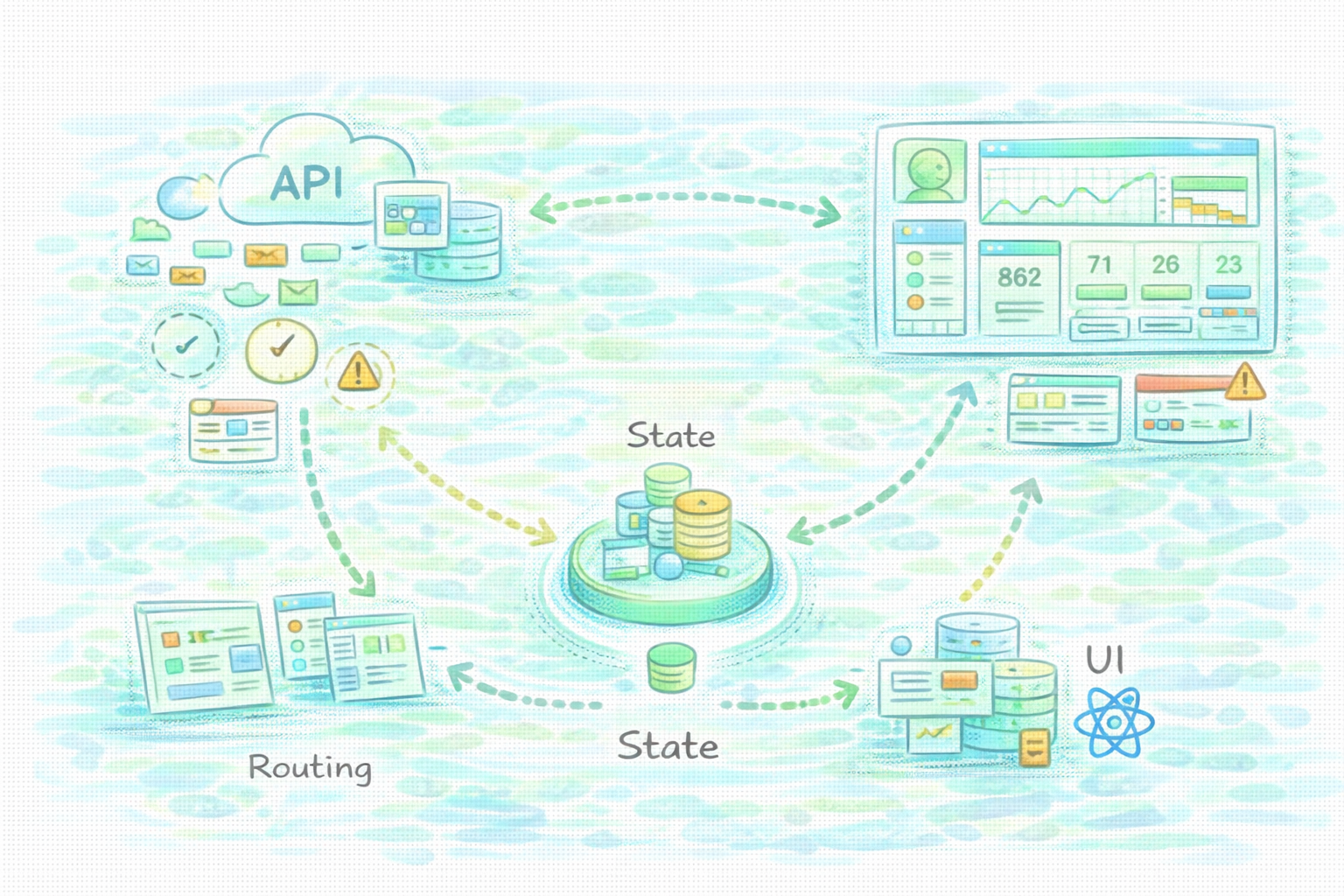
Data fetching is not just about making requests—it’s about managing the entire lifecycle of data within your application. You need to consider when to fetch data, how to cache it, and how to update the UI based on changes.
Imagine a dashboard that displays real-time data. The application must fetch data from an API, update the UI as new data arrives, and handle scenarios where the data is unavailable. This requires careful coordination between state, UI, and network operations.
Tooling and build systems#
Behind every modern React application is a set of tools that handle building and optimizing the code. These tools take your source code, transform it, and prepare it for production. Without them, managing large applications would be significantly more difficult.
Tooling improves both performance and developer experience. It enables features like hot reloading during development and code splitting for faster loading times. These capabilities are essential for building efficient and responsive applications.
While tooling can feel overwhelming at first, its purpose is straightforward. It automates complex processes and ensures that your application runs smoothly. Understanding why these tools exist helps you use them more effectively.
Comparison of technology layers#
Layer | Purpose | Why it matters | Impact on the application |
UI | Defines structure and presentation | Controls user interaction | Determines how users experience the app |
State | Manages data flow | Ensures consistency across components | Affects reliability and scalability |
Routing | Handles navigation | Enables multi-view applications | Improves user experience |
Data | Fetches and manages external data | Connects frontend to backend | Drives dynamic content |
Tooling | Builds and optimizes code | Enhances performance and workflow | Supports development and deployment |
This table shows how each layer contributes to the overall application. The UI layer defines what users see, while state ensures that data flows correctly through the system. Routing enables navigation, and data handling connects the frontend to external services.
Tooling ties everything together by ensuring that the application is efficient and maintainable. These layers are interconnected, and changes in one layer often affect others. Understanding these relationships is key to building well-structured applications.
How to choose the right technologies for your project#
Choosing the right technologies depends on your project’s requirements. A small application may not need complex state management or advanced tooling. In such cases, simplicity is often the best approach.
As your application grows, your needs change. You may require more sophisticated solutions to handle increased complexity. This is where understanding trade-offs becomes important. Adding more tools can improve scalability, but it also introduces additional complexity.
Instead of following trends, focus on your application’s needs. Ask yourself what problems you are trying to solve and choose technologies that address those problems effectively. This approach leads to more thoughtful and maintainable decisions.
Common mistakes when setting up React projects#
One common mistake is overcomplicating small projects. Developers often introduce multiple tools and libraries before they fully understand the basics. This can make the application harder to manage and learn from.
Another mistake is choosing technologies without understanding their purpose. It’s easy to adopt popular tools, but without understanding how they work, you may misuse them or create unnecessary complexity.
Ignoring architecture early on is another issue. While it may not seem important at first, poor structure can lead to problems as the application grows. Taking time to understand how different parts of the system fit together can prevent these issues.
How React project architecture evolves over time#
A React project does not start as a fully complex system. It evolves gradually as new requirements emerge. You begin with a simple structure, then introduce additional layers as needed.
For example, you might start with basic state management and later introduce a more structured approach as your application grows. Similarly, routing and data handling become more sophisticated as you add features.
This iterative process allows you to learn and adapt. Instead of trying to build everything at once, you build incrementally, improving your understanding along the way. This is how real-world applications are developed.
Final words#
So, which technologies are essential for a React project?
The answer lies in understanding how different layers of a React application work together. It’s not about memorizing tools or following trends. It’s about building a system where each part serves a purpose and integrates with the others.
When you approach React this way, you move beyond individual technologies and start thinking in terms of architecture. And that shift is what allows you to build applications that are both functional and scalable.
Happy learning!
