Create an AWS Account
Discover how to create an AWS account by following detailed steps such as email and phone verification, entering payment details, and logging into the AWS Console as a root user. This lesson prepares you to start using AWS services safely by understanding account setup essentials.
We'll cover the following...
We'll cover the following...
Getting started
If you're new to AWS, you first need to create an AWS account. We'll go through the required steps in this lesson.
Please note that you need the following to create an AWS account:
An email address
An active phone number to receive text (SMS) messages or phone calls
A valid credit card
To create an AWS account, please go to the AWS website. The page should look similar to this (the banners change regularly):

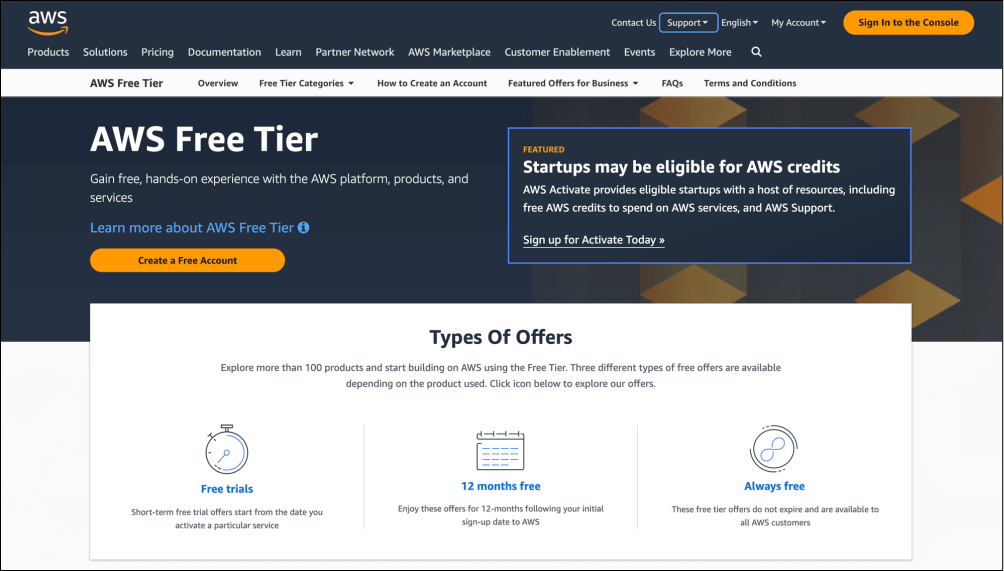
AWS home page
To create an account, please click the “Sign In to the ...