You’re working on a small feature—maybe tracking user inputs, managing tasks, or processing data from an API. You store everything in a list, because that’s the most natural structure in Python.
At first, things feel simple. You add items, remove a few, maybe loop through them. But as your program grows, you start needing more control. You want to insert elements at specific positions, remove items safely, sort data, or count occurrences efficiently.
This is where the real question begins to matter: What are some common list methods in Python and how are they used? Understanding these methods isn’t just about memorizing syntax. It’s about learning how to work with data efficiently, cleanly, and in a way that scales as your programs grow.

Python has become the foundation for everything from data science and automation to modern AI workflows. Yet many beginners struggle to learn Python because they spend too much time watching and not enough time building. This course is designed for a different kind of learner, one who wants to learn Python by doing, not just observing, and to build skills that remain relevant in an AI-driven development landscape. I built this course from my experience teaching and designing interactive learning systems at Educative. Across classrooms and platforms, I saw the same pattern: learners could follow tutorials, but struggled to apply concepts independently. The problem was the approach. This course is built on a simple principle: you learn Python best when you write, test, and refine code continuously. You’ll start with core fundamentals, variables, control flow, functions, and data structures, through hands-on exercises that reinforce real understanding. As you progress, you’ll build practical projects like a chatbot and an expense tracker. The course also introduces how to learn Python alongside AI tools, including prompting, debugging, and validating generated code in real workflows. If your goal is to learn Python in a way that prepares you to build real applications and work effectively with AI, this course gives you that foundation from day one.
Understanding Python lists as mutable structures#
Before diving into methods, it’s important to understand a key property of Python lists: they are mutable. This means that when you change a list, you are modifying the original object—not creating a new one.
numbers = [1, 2, 3]numbers.append(4)print(numbers) # [1, 2, 3, 4]
The original list is updated directly. This is different from immutable types like strings or tuples, where any “modification” actually creates a new object. This concept is central to how list methods behave. Most list methods operate in place, meaning they change the list itself rather than returning a new one. Once you internalize this, many seemingly confusing behaviors start to make sense.
Why list methods matter in real programs#
In real-world programs, lists are everywhere. You might use them to store user data, manage logs, track items in a cart, or process batches of information.
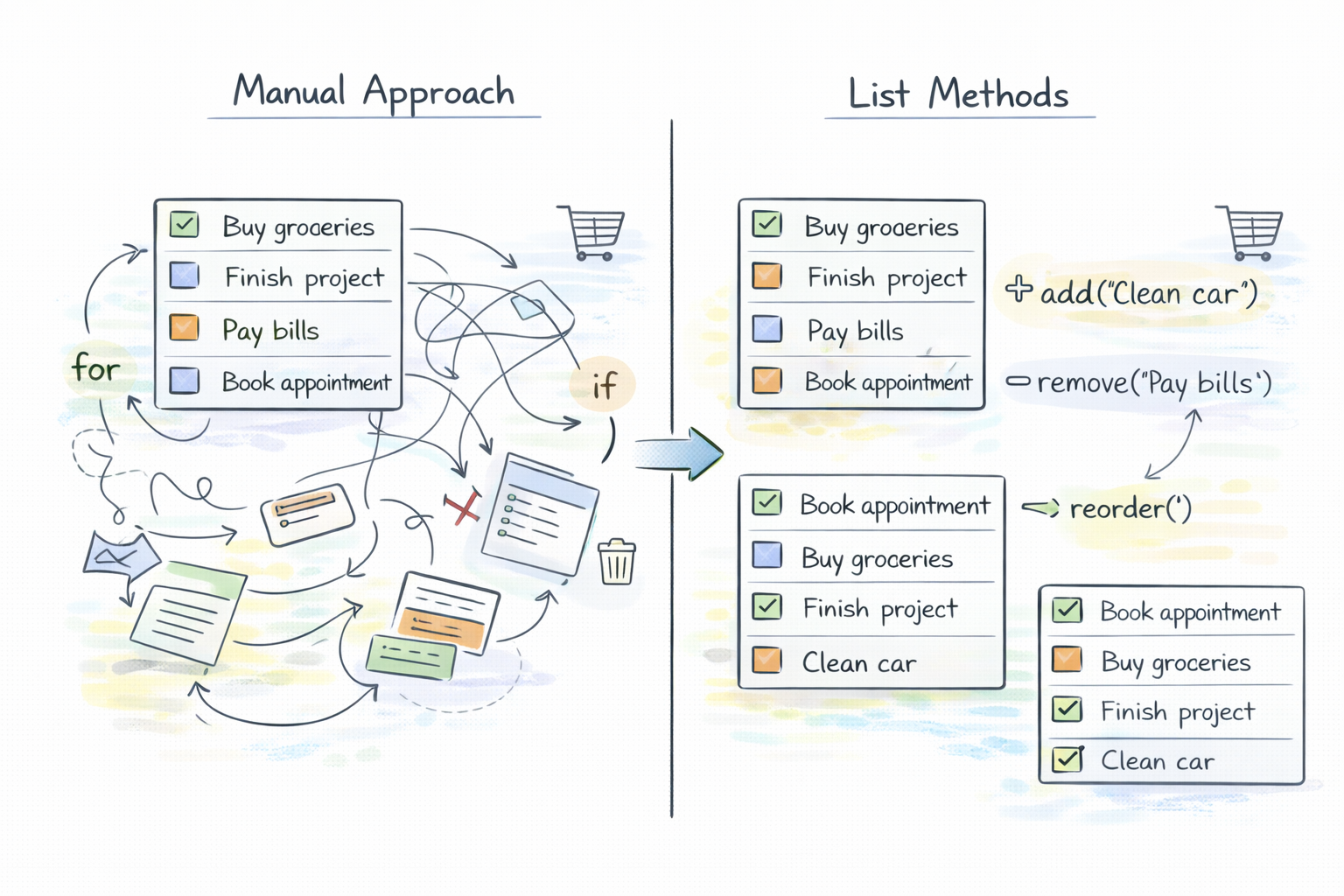
Without built-in methods, you would need to write loops and conditional logic for even simple operations. List methods remove that burden. Instead of manually shifting elements or writing custom logic, you can express your intent clearly:
Add something
Remove something
Reorder something
For example, managing a simple task list becomes far easier when you rely on built-in methods instead of reinventing behavior. These methods are not just conveniences—they’re essential tools for writing readable and maintainable code.
Adding elements to a list#
Let’s start with one of the most common operations: adding data.
You’ll often see append(), extend(), and insert() used—but they behave quite differently.
tasks = ["email", "meeting"]tasks.append("report")print(tasks) # ['email', 'meeting', 'report']
append() adds a single element to the end of the list. It’s the most straightforward and commonly used method.
Now compare that with extend():
tasks = ["email", "meeting"]tasks.extend(["report", "call"])print(tasks) # ['email', 'meeting', 'report', 'call']
Here, you’re adding multiple elements—but instead of adding a list as a single item, extend() adds each element individually.
This distinction becomes critical in real programs.
Finally, insert() gives you positional control:
tasks = ["email", "meeting"]tasks.insert(1, "review")print(tasks) # ['email', 'review', 'meeting']
You’re not just adding—you’re deciding where the element belongs.
Removing elements from a list#
Removing data introduces more nuance because there are multiple ways to do it, each with different behavior.
tasks = ["email", "meeting", "report"]tasks.remove("meeting")print(tasks) # ['email', 'report']
remove() deletes the first matching value.
Now consider pop():
tasks = ["email", "meeting", "report"]last_task = tasks.pop()print(last_task) # 'report'print(tasks) # ['email', 'meeting']
pop() removes an element by index (defaulting to the last) and returns it. This is useful when you need the removed value.
You can also specify an index:
tasks.pop(0) # removes 'email'
And then there’s clear():
tasks.clear()print(tasks) # []
This removes everything from the list, resetting it entirely. Each method reflects a different intent—removing by value, by position, or completely.
Reordering and organizing list data#
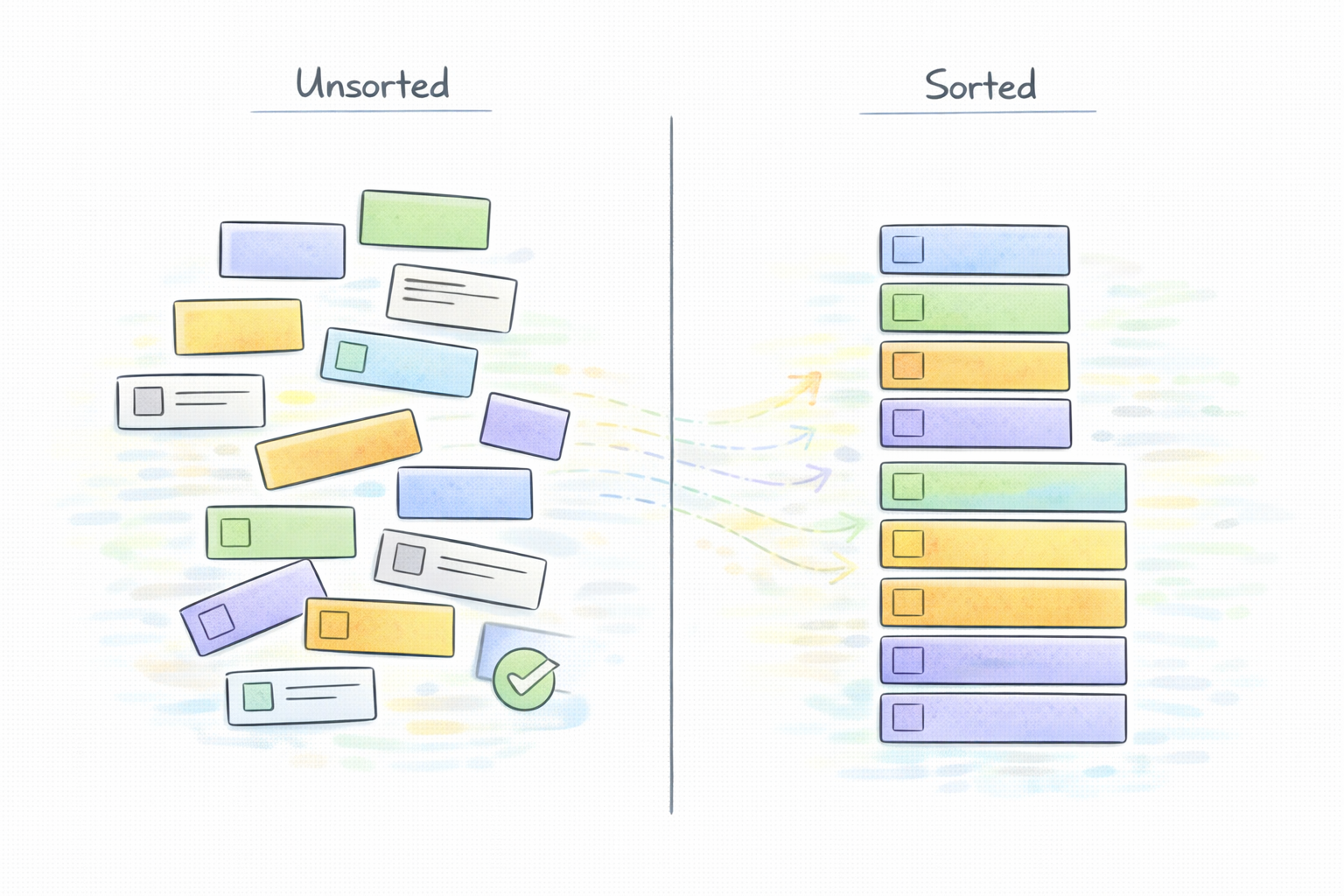
As your data grows, organization becomes important. Sorting is one of the most common operations:
numbers = [3, 1, 4, 2]numbers.sort()print(numbers) # [1, 2, 3, 4]
The key thing to notice is that sort() modifies the list in place.
You can also customize sorting:
numbers.sort(reverse=True)print(numbers) # [4, 3, 2, 1]
Similarly, reverse() changes the order without sorting:
numbers = [1, 2, 3]numbers.reverse()print(numbers) # [3, 2, 1]
These operations are simple but powerful, especially when working with ordered data.
Searching and counting elements#
Sometimes you’re not modifying data—you’re trying to understand it.
That’s where index() and count() come in.
items = ["apple", "banana", "apple"]print(items.index("banana")) # 1
index() tells you where a value appears.
print(items.count("apple")) # 2
count() tells you how many times it appears.
These methods are especially useful when analyzing data or validating inputs.
Copying and duplicating lists#
This is where many beginners run into subtle bugs.
Consider this:
original = [1, 2, 3]copy = originalcopy.append(4)print(original) # [1, 2, 3, 4]
Both variables point to the same list.
To create an actual copy, you use copy():
original = [1, 2, 3]copy = original.copy()copy.append(4)print(original) # [1, 2, 3]print(copy) # [1, 2, 3, 4]
This creates a shallow copy, meaning the outer list is duplicated, but nested objects (if any) are still shared.
Understanding this distinction is crucial when working with complex data structures.
Comparison of commonly used list methods#
Method | Purpose | Modifies in place | Typical use case |
append() | Add single element | Yes | Adding one item |
extend() | Add multiple elements | Yes | Merging lists |
insert() | Add at specific index | Yes | Ordered insertion |
remove() | Remove by value | Yes | Deleting known item |
pop() | Remove by index | Yes | Stack-like behavior |
clear() | Remove all items | Yes | Resetting list |
sort() | Sort elements | Yes | Ordering data |
reverse() | Reverse order | Yes | Reversing sequence |
index() | Find position | No | Searching |
count() | Count occurrences | No | Analysis |
copy() | Duplicate list | No (returns new list) | Safe duplication |
A pattern emerges here where most list methods modify the list directly, and a few—like index(), count(), and copy()—return values instead. Recognizing this pattern helps you predict behavior without memorizing every method.
Common mistakes and misunderstandings#
One of the most common mistakes is confusing append() and extend().
lst = [1, 2]lst.append([3, 4])print(lst) # [1, 2, [3, 4]]
This adds a list inside a list—not individual elements. Another common issue is misunderstanding pop() vs remove().
pop() uses an index
remove() uses a value
And perhaps the most subtle mistake is assuming methods return new lists.
numbers = [3, 1, 2]sorted_numbers = numbers.sort()print(sorted_numbers) # None
Because sort() modifies in place, it returns None. These are small details, but they have a big impact on correctness.
Practical examples in real programs#
Let’s bring everything together in a simple scenario. Imagine managing a task list:
tasks = ["email", "meeting"]tasks.append("report")tasks.insert(1, "review")tasks.remove("email")tasks.sort()print(tasks)
Here, you’re:
Adding tasks
Reordering them
Removing unnecessary items
Organizing the final list
Each method contributes to a clean and readable workflow. This is the real value of list methods—they let you express intent clearly without unnecessary complexity.
Best practices when working with list methods#
As you use these methods, focus on clarity and intent.
Choose methods based on what you’re trying to achieve, not just what “works.” Also, be mindful of side effects. Since most methods modify lists in place, changes can propagate if the list is shared across variables or functions.
Finally, aim for readability. A well-chosen list method often replaces several lines of manual logic.
Final words#
So, what are some common list methods in Python, and how are they used? They are the tools that allow you to efficiently manage, organize, and manipulate data within lists—without reinventing basic operations.
More importantly, they help you write code that is both expressive and maintainable. As you continue working with Python, you’ll find that mastering these methods isn’t optional—it’s foundational. And the more you use them in real scenarios, the more natural they’ll become.
Happy learning!
