Importing Animation from Blender into Three.js
Explore how to export animations created with Blender's physics and cell fracture features into glTF format, then import and play these animations in Three.js by baking physics simulations into keyframes. Understand how to prepare your Blender scene and set up animation mixers in Three.js for smooth playback.
We'll cover the following...
Importing an animation from Blender to Three.js
Exporting an animation from Blender works in pretty much the same way as exporting a static scene. Therefore, for this example, we’ll create a simple animation, export it in the glTF format again, and load it into a Three.js scene. For this, we’re going to create a simple scene where we render a cube falling and breaking into parts. The first thing we need for this is a floor and a cube. Therefore, create a plane and a cube that hangs a little bit above this plane:

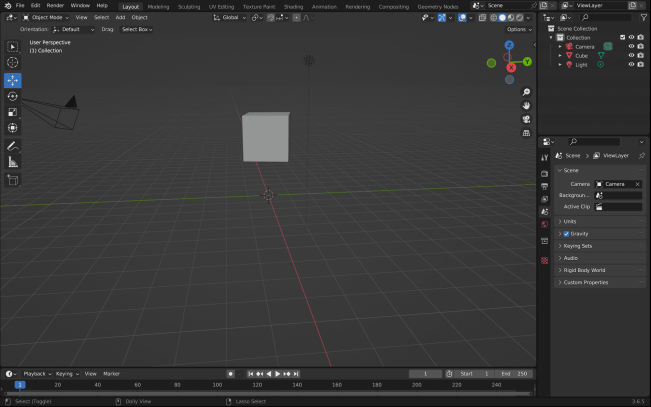
Here, we just moved the cube up a little bit (press “G” to grab the cube):
We added a plane (“Add | Mesh | Plane”).
Then we scaled this plane to make it bigger.
Now, we can add physics to the scene. As we ...